配置指南
布局配置
内置布局类型、选型建议、常用参数与 Worker 支持
通过 layout 配置布局。多数算法基于 @antv/layout,选项会透传到底层算法。
layout: { type: 'force', linkDistance: 100 }所有官方布局都可以直接通过 type 使用。G6Lite 会在内部按需加载对应算法,不需要额外导入或调用启用函数。
布局选型
| 目标 | 推荐布局 | 说明 |
|---|---|---|
| 快速展示无层级关系 | circular / grid / random | 稳定、可预期、成本低 |
| 网络关系探索 | force / d3-force / force-atlas2 / fruchterman | 大图需关注耗时,可启用 worker |
| 层级 DAG | dagre | 适合流程、依赖和调用链 |
| 树与组织结构 | mindmap / indented / fishbone | 适合业务结构图 |
| 大规模首屏 | 预计算坐标或轻量布局 | 避免把首屏瓶颈放在布局计算 |
支持的布局类型
| type | 说明 | 常用参数 |
|---|---|---|
force | 力导向 | linkDistance, nodeStrength |
d3-force | D3 力导向 | linkDistance, charge |
force-atlas2 | ForceAtlas2 力导向 | kr, kg |
fruchterman | Fruchterman 力导向 | gravity, speed |
circular | 环形 | radius, center |
concentric | 同心圆 | center, minNodeSpacing |
radial | 辐射 | center, unitRadius |
grid | 网格 | rows, cols |
dagre | 有向无环图 / 层级 | rankdir, nodesep, ranksep |
mds | 多维标度 | linkDistance |
random | 随机 | center |
mindmap | 脑图 | direction, hGap, vGap |
indented | 缩进树 | indent, rowHeight |
fishbone | 鱼骨图 | direction |
效果预览
| force | circular | radial |
|---|---|---|
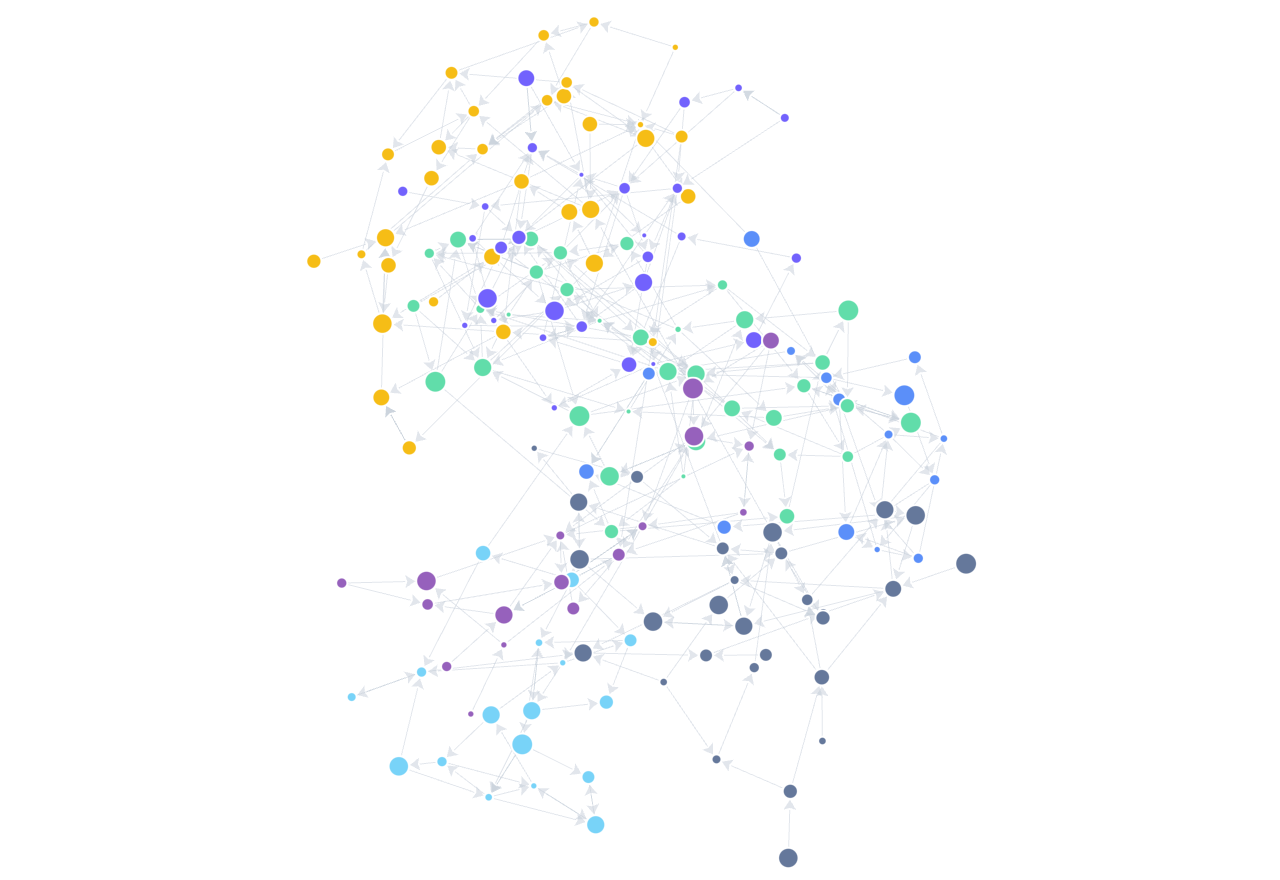 | 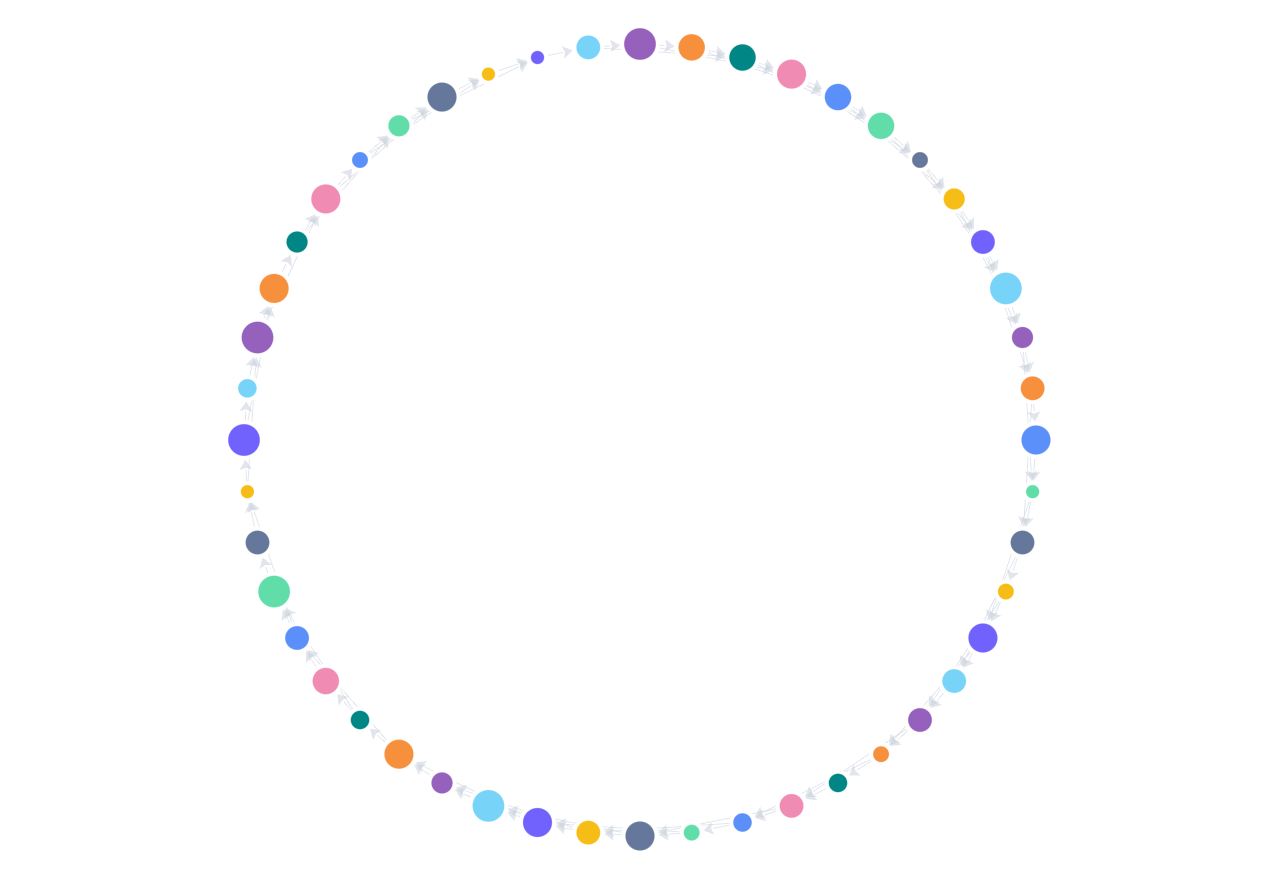 | 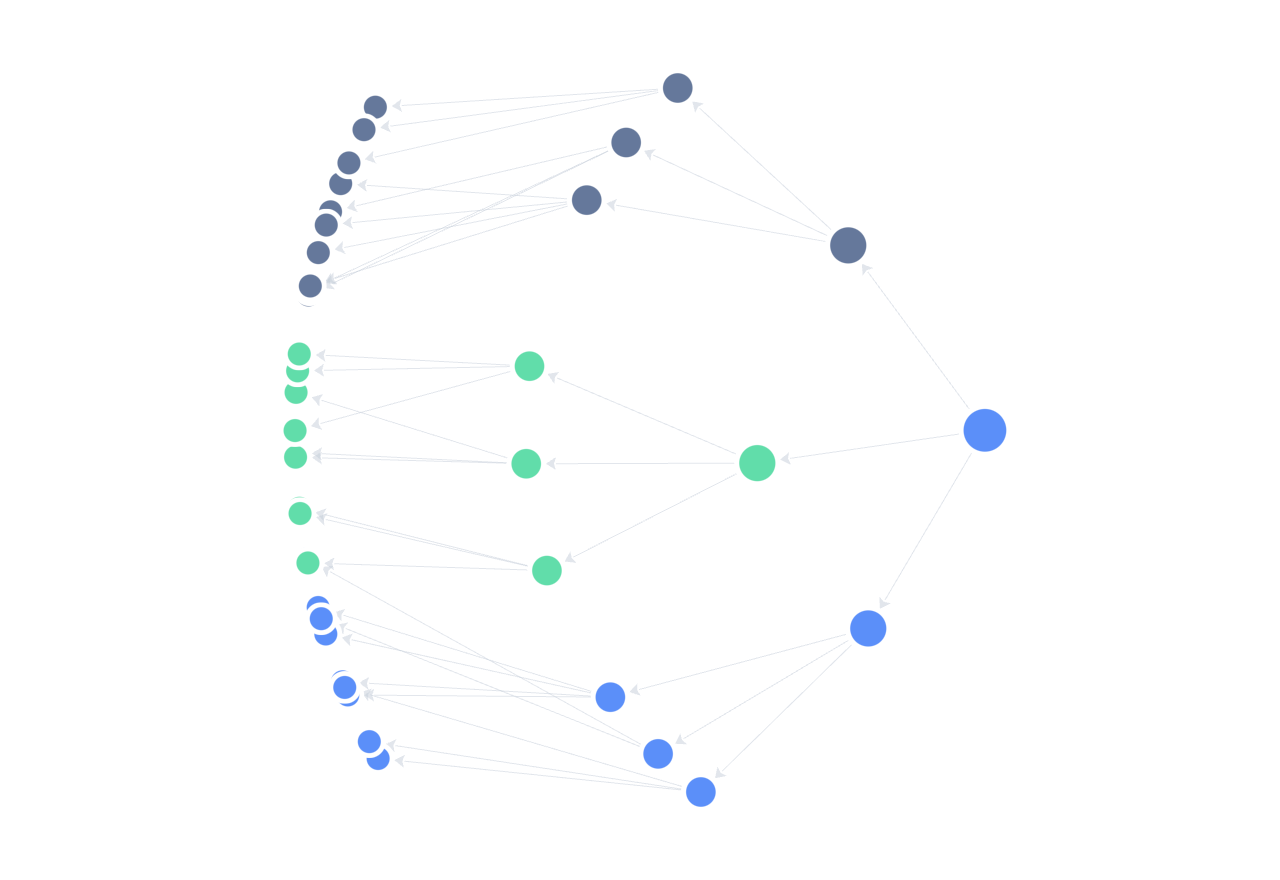 |
| dagre | grid | mindmap |
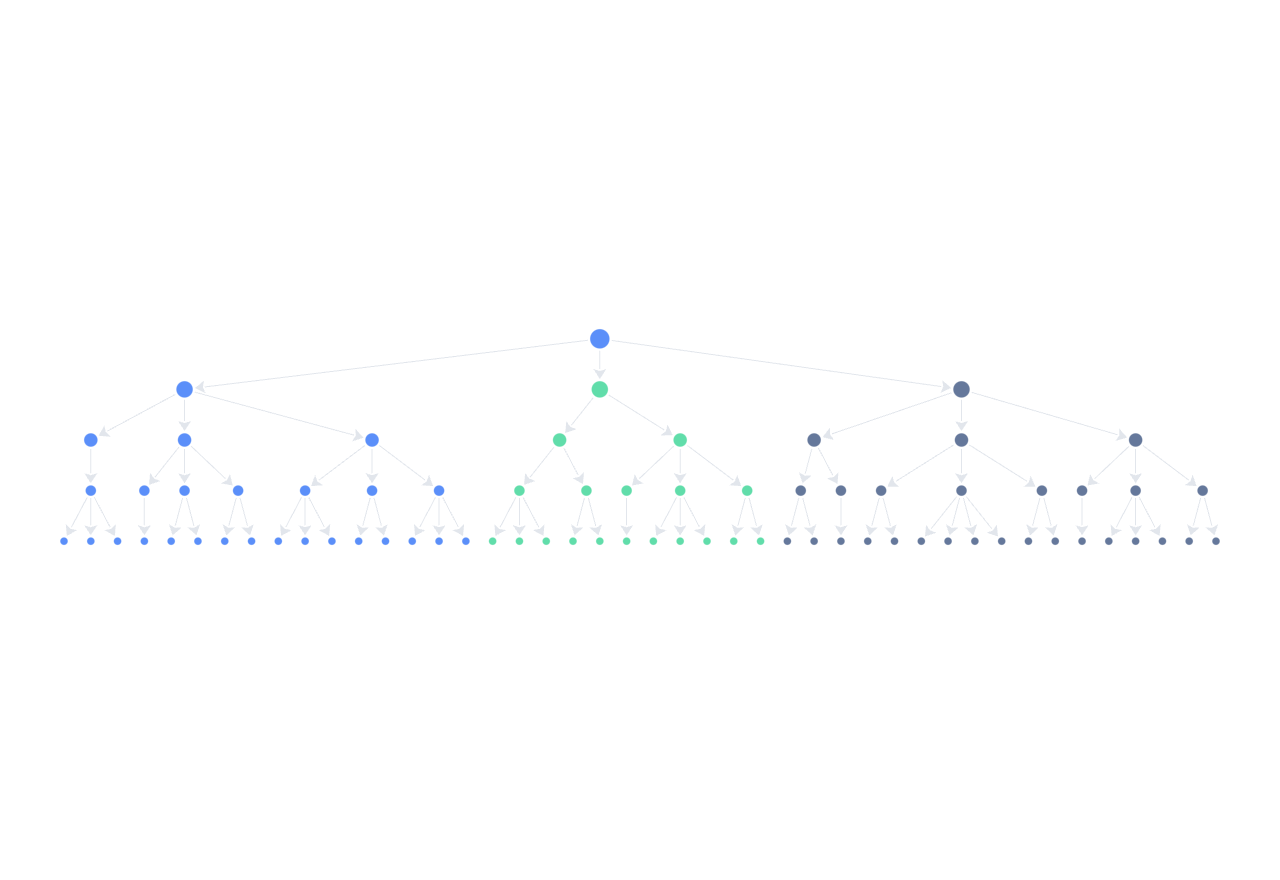 | 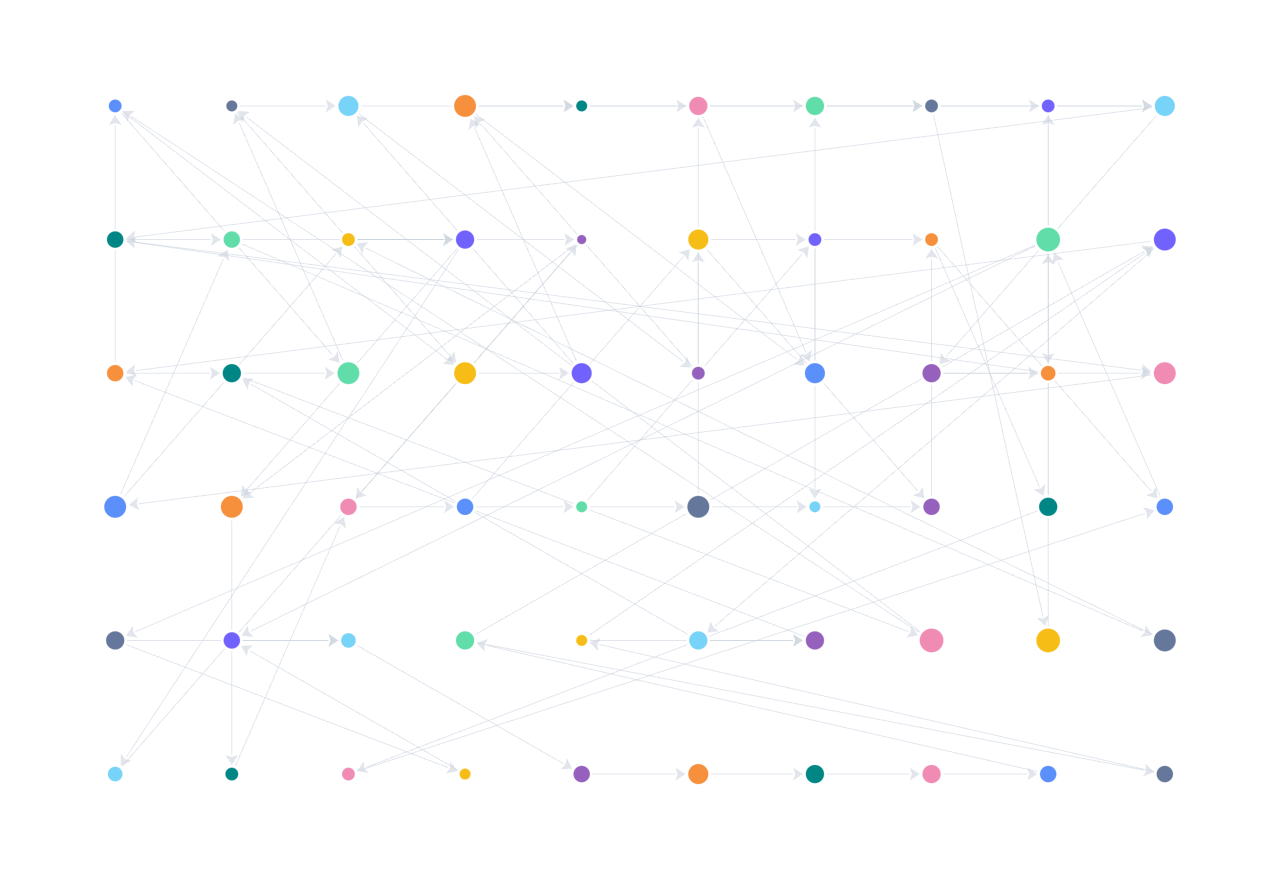 | 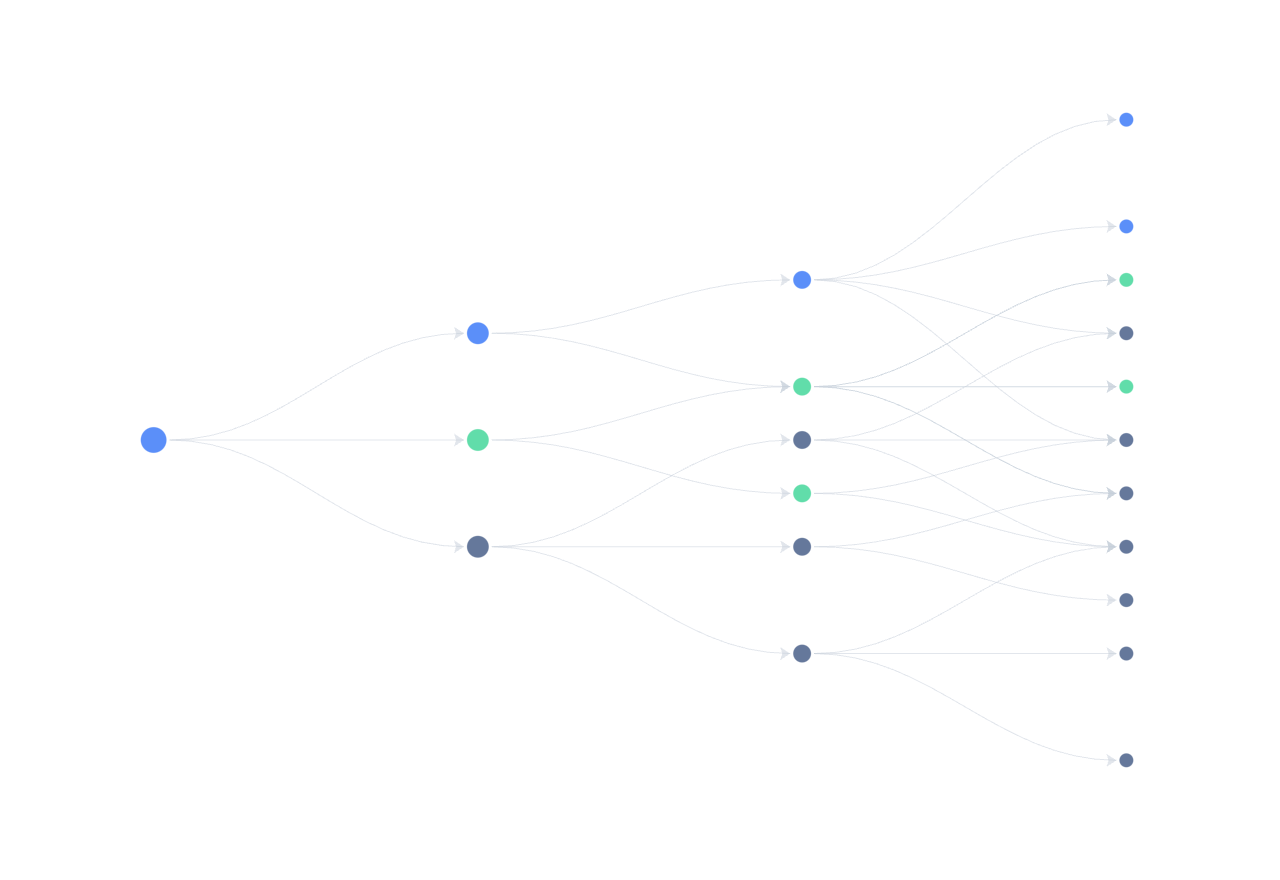 |
示例
layout: { type: 'circular', radius: 150 }layout: { type: 'dagre', rankdir: 'TB', nodesep: 40, ranksep: 60 }layout: { type: 'force', linkDistance: 100, worker: true }Worker
layout.worker: true 会将布局计算放到 Web Worker 中,避免阻塞主线程。G6Lite 会对大图的 force 系布局自动启用 worker。
mindmap、indented、fishbone 是 O(V+E) 的内置函数式树布局,始终在主线程执行;即使配置 worker: true 也不会退化为其他布局。
layout: {
  type: 'force',
  worker: true,
}
运行时重新布局
graph.setLayout({ type: 'grid', cols: 6 });
await graph.layout();
不传 layout 时,G6Lite 会使用节点自带的 x / y,缺省为 0。