G6Lite graph examples
Graph examples
Browse live graph visualization examples by capability. Inspect real output, source, and data to understand each public API.
51website examples
8capability groups
01
Getting started
Start with the smallest Graph configuration and learn data, layout, and canvas navigation.
2
02
Data and state
Explore data mutations, element queries, adjacency, states, and visibility.
4 Node and edge mutationsView exampleDemonstrate individual and batch node and edge additions, updates, and removals.
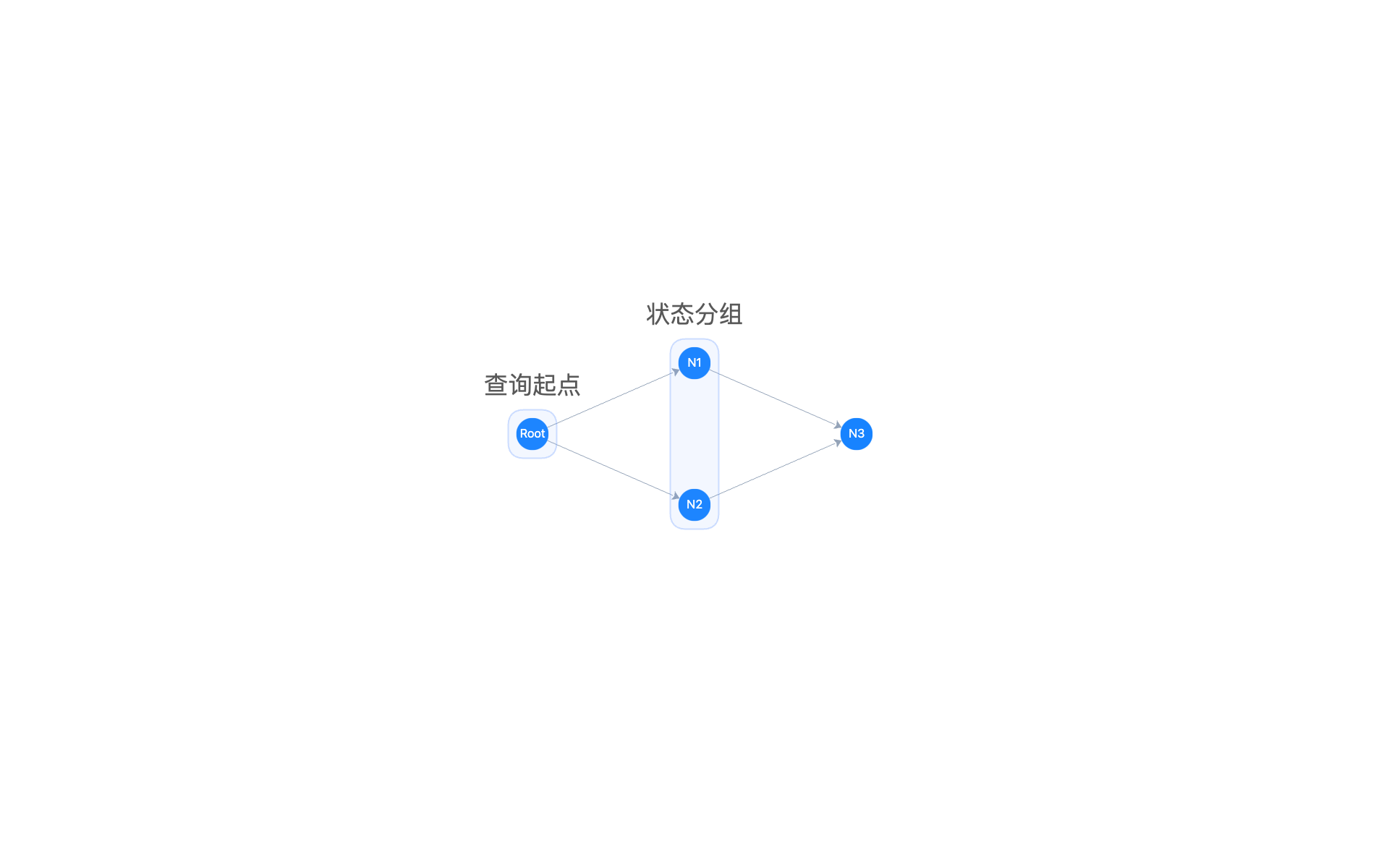 Queries, batch states, and visibilityView exampleInspect elements, adjacency, and states while controlling batch states and visibility.
 Replace graph dataView exampleReplace the whole graph with setData, then switch layouts.
 Search and focusView exampleSearch nodes by name, highlight matches, and move the viewport to them.
03
Elements
Configure nodes, edges, labels, arrows, parallel edges, and combos.
14 Data-driven node stylesView exampleMap business fields to node colors, sizes, and highlight interactions.
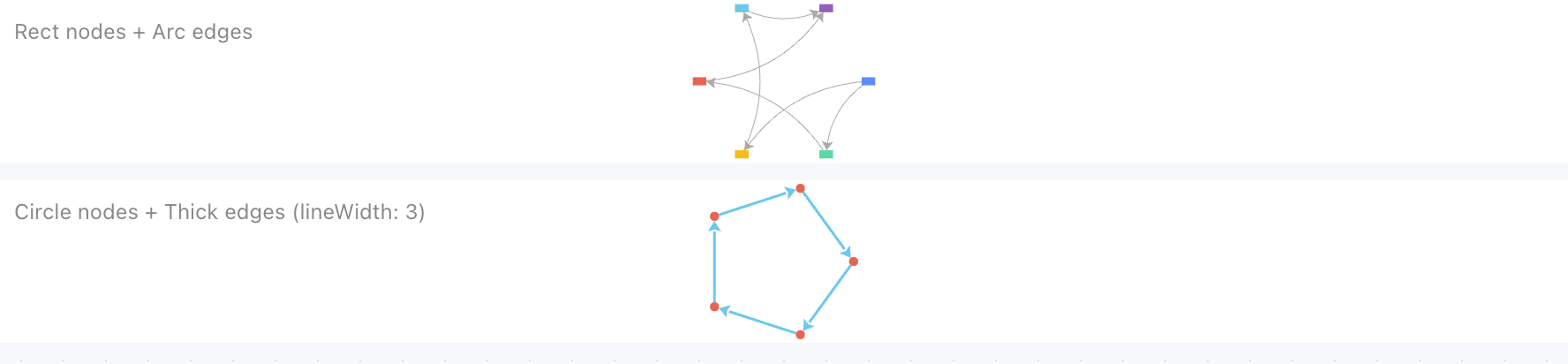 Node shapesView exampleCompare circle and rectangle nodes side by side.
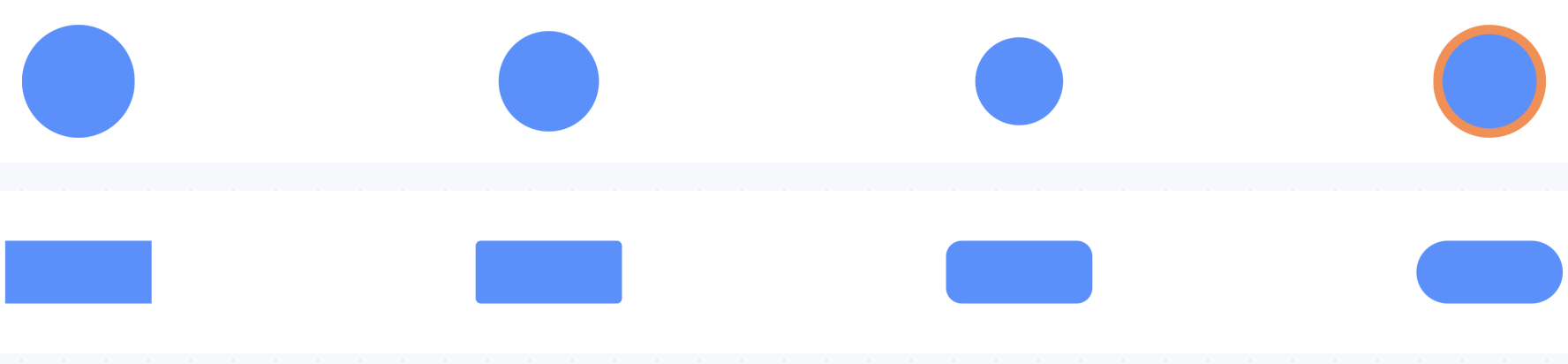 Node stroke and radiusView exampleAdjust stroke, width, and rectangle corner radius.
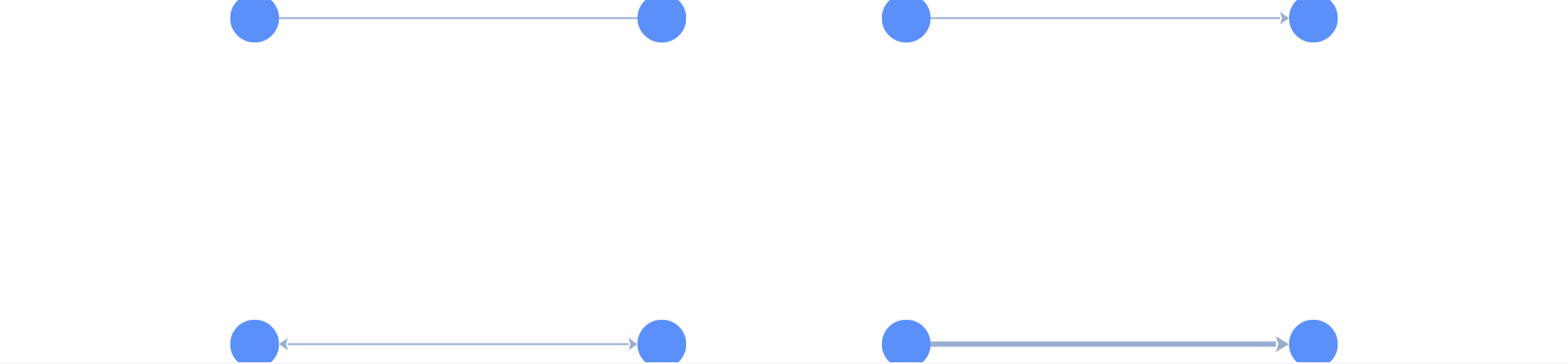 Edge arrow directionsView exampleCompare no-arrow, one-way, bidirectional, and wide-arrow edges.
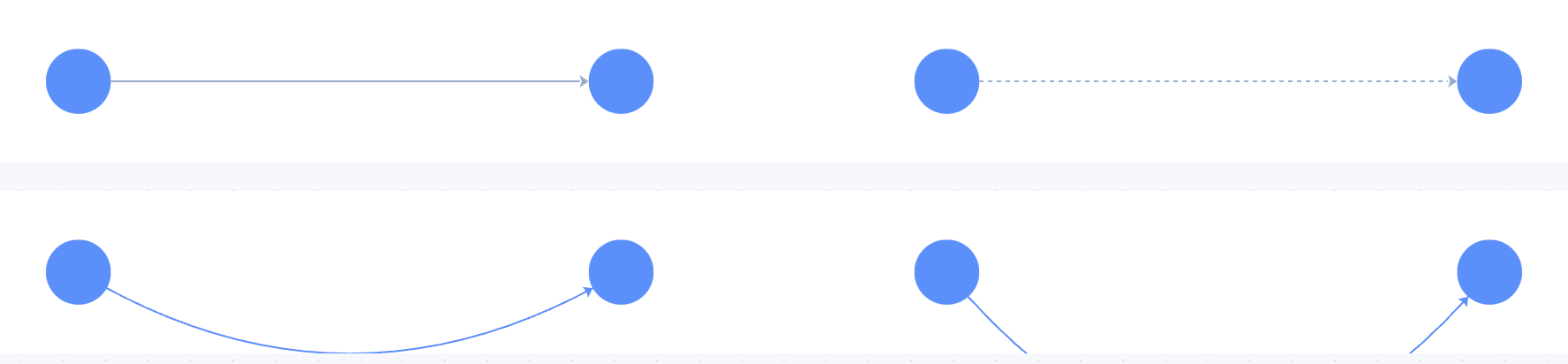 Edge typesView exampleShow line, dashed, arc, and cubic edges.
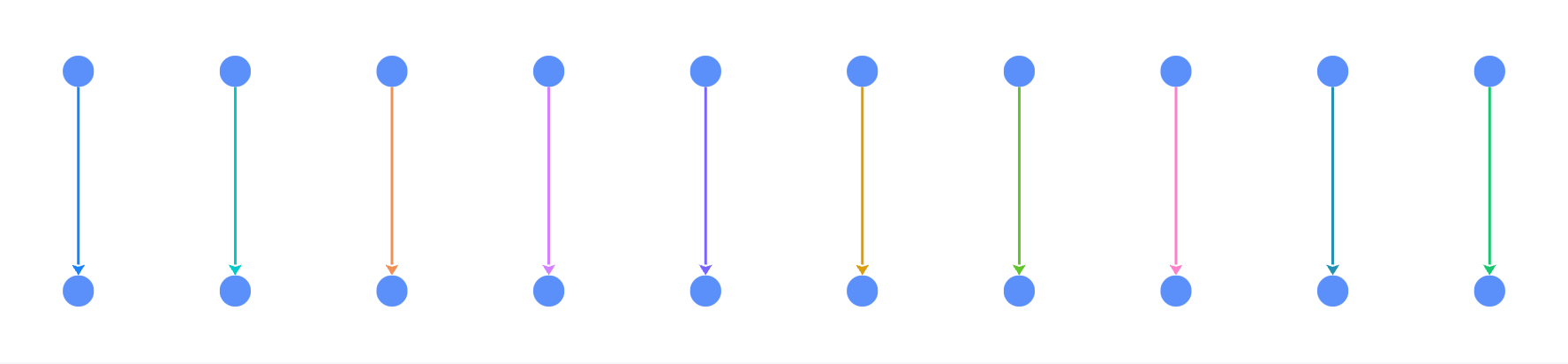 Edge colorsView exampleMap edge colors from a business category.
 Edge states and weightView exampleMap edge width from weight and inspect edge state styles.
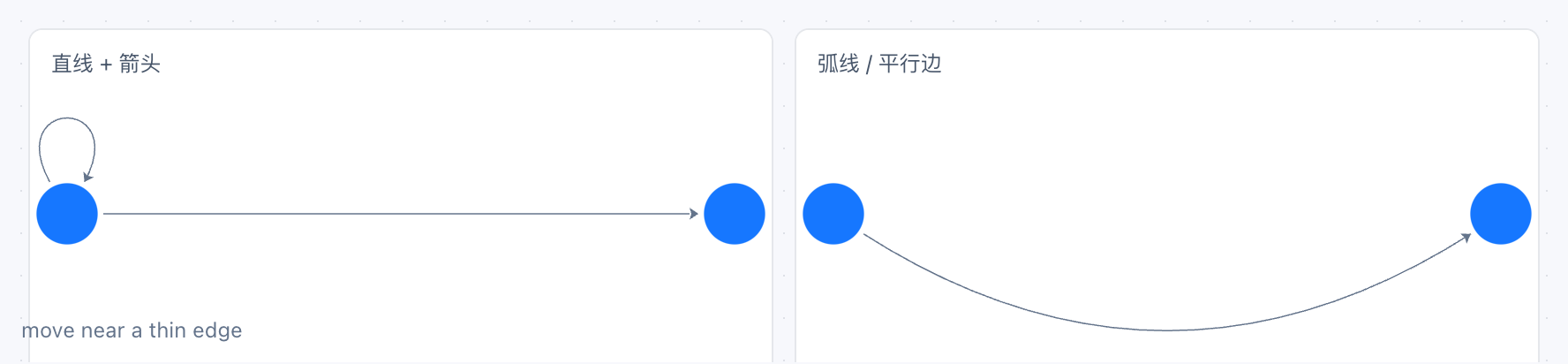 Thin-edge hit areaView exampleKeep a thin stroke while expanding the pick area of lines, curves, and loops.
 Parallel and reverse edgesView exampleSeparate same-direction parallel edges, reverse edges, and single edges automatically.
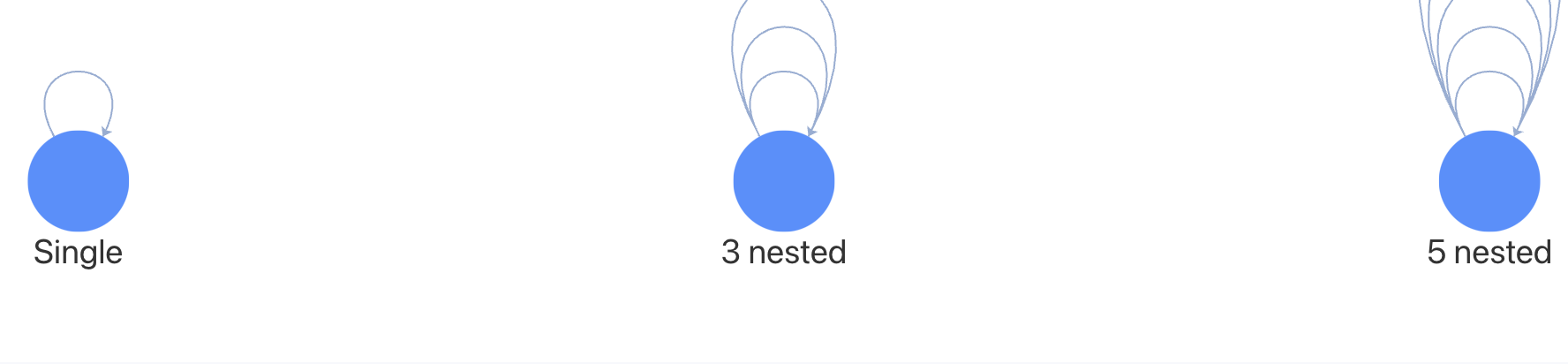 Self-loop edgesView exampleShow one self-loop and several nested loops on a node.
 Label placement and iconsView exampleShow node labels, edge labels, and icons, and change their placement at runtime.
 Label rendering policyView exampleCompare fixed size, low-zoom drawing, and collision hiding.
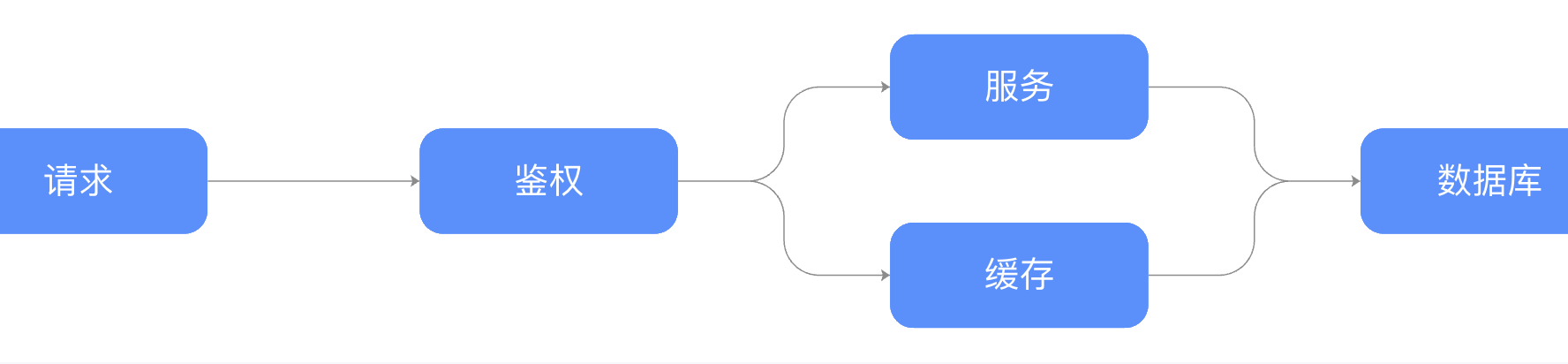 Polyline orthogonal routingView exampleConnect a left-to-right flow with rounded orthogonal polylines.
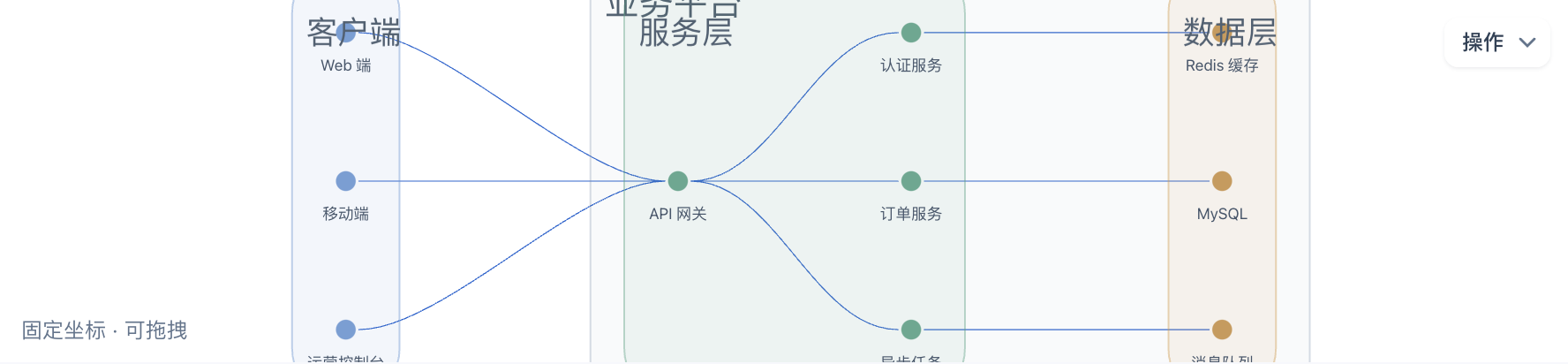 Combo containersView exampleExplore nested groups, collapse and expand, runtime regrouping, and data export.
04
Layouts
Compare common layouts and switch graph structure presentations at runtime.
9 Common layout switchingView exampleSwitch between circular, force, grid, and dagre with the same data.
 More built-in layoutsView exampleCompare radial, concentric, ForceAtlas2, fruchterman, MDS, and random layouts.
 FlowchartView exampleDraw a decision flow with a hierarchical layout and polyline edges.
 Indented treeView exampleShow a directory with the indented layout.
 Worker layoutView exampleRun force layout in a Web Worker so the main thread stays responsive.
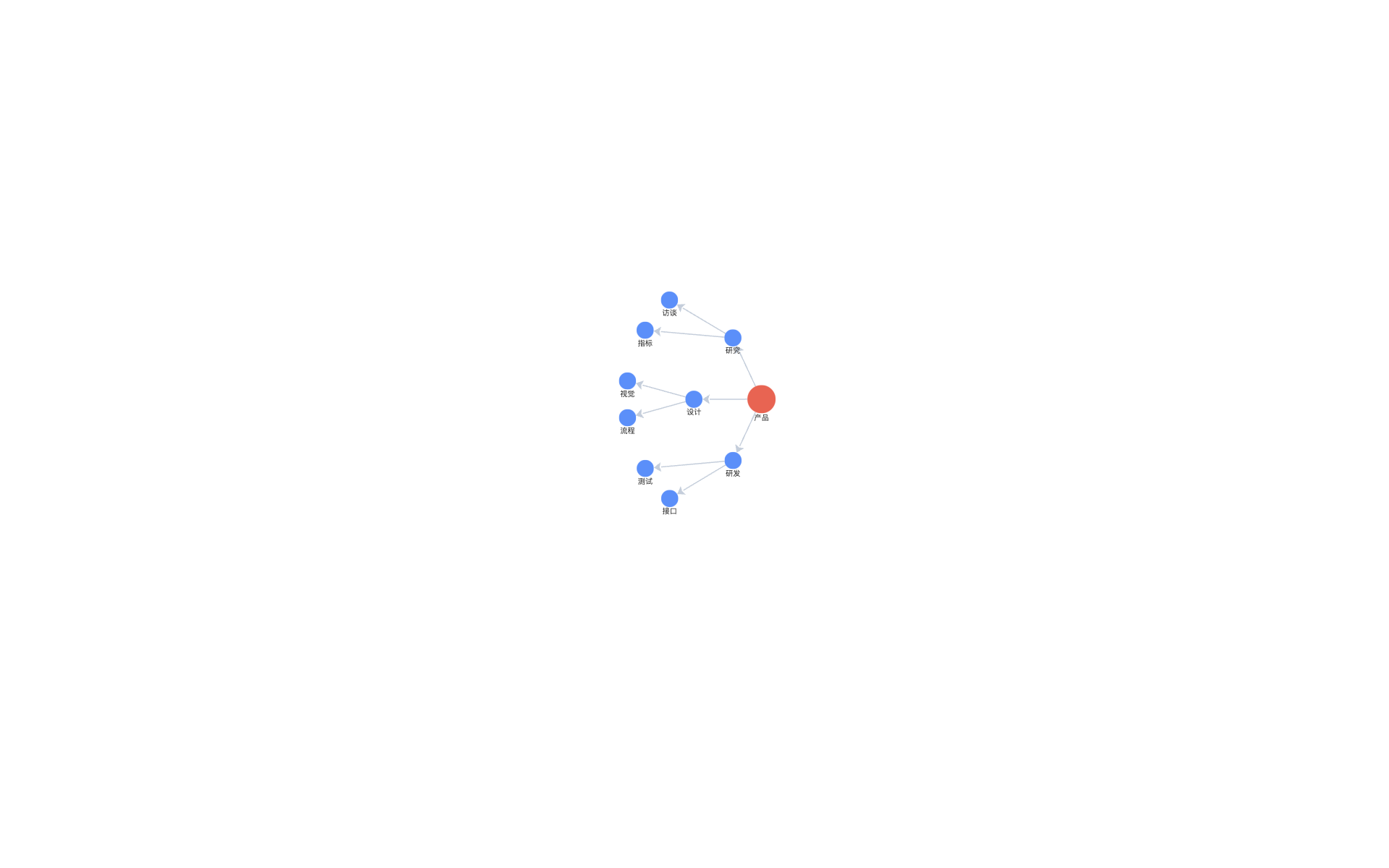 Radial treeView examplePlace a topic tree around a center node with the radial layout.
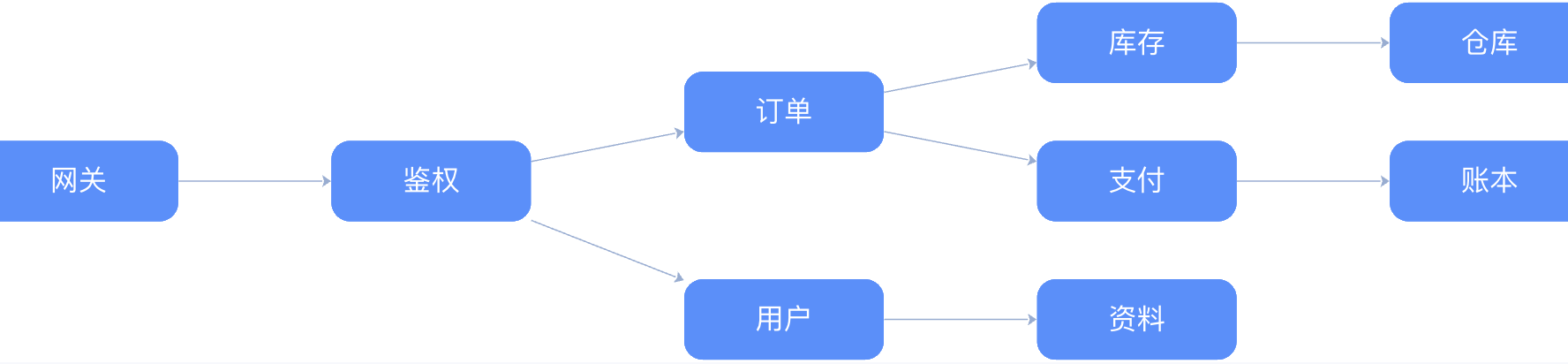 Call graphView exampleShow service calls with a left-to-right hierarchical layout.
 Mind mapView exampleOrganize knowledge around a central topic with two-sided, labeled, colored branches.
 Fishbone diagramView exampleOrganize a problem, categories, and contributing causes into a fishbone structure.
05
Interactions
Combine tooltips, click selection, brush selection, lasso selection, and highlighting.
8 TooltipView exampleShow custom business information while hovering nodes or edges.
 Hover highlightView exampleHighlight related elements on hover and dim the rest.
 One-hop highlightView exampleHighlight a node with its neighbors, or an edge with its endpoints.
 Click, brush, and lasso selectionView exampleCompare click, brush, and lasso selection behaviors in one example.
 Drag nodes and combosView exampleDrag a node, or drag a combo background to move its nodes.
 Drag edge endpointsView exampleDrag an edge endpoint onto another node to reconnect it.
 Event logView exampleInspect the public events emitted by click, drag, and selection.
 Context menuView exampleOpen a node context menu to focus or highlight it.
06
Viewport
Control zoom, focus, fit, canvas sizing, and coordinate conversion.
2

07
Extensions
Customize nodes, edges, layouts, behaviors, and plugins through public extension APIs.
7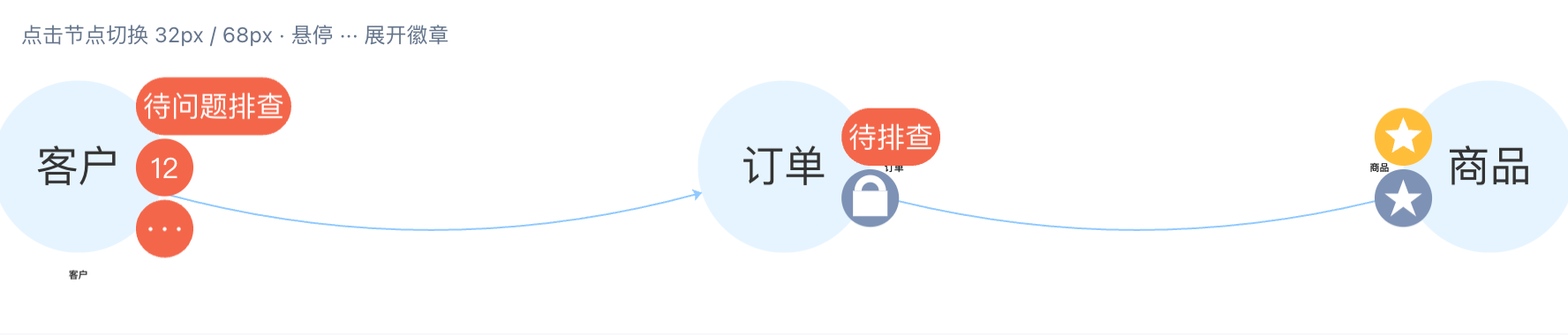 Extension system showcaseView exampleCombine decoration, edge, layout, transform, behavior, and plugin extensions.
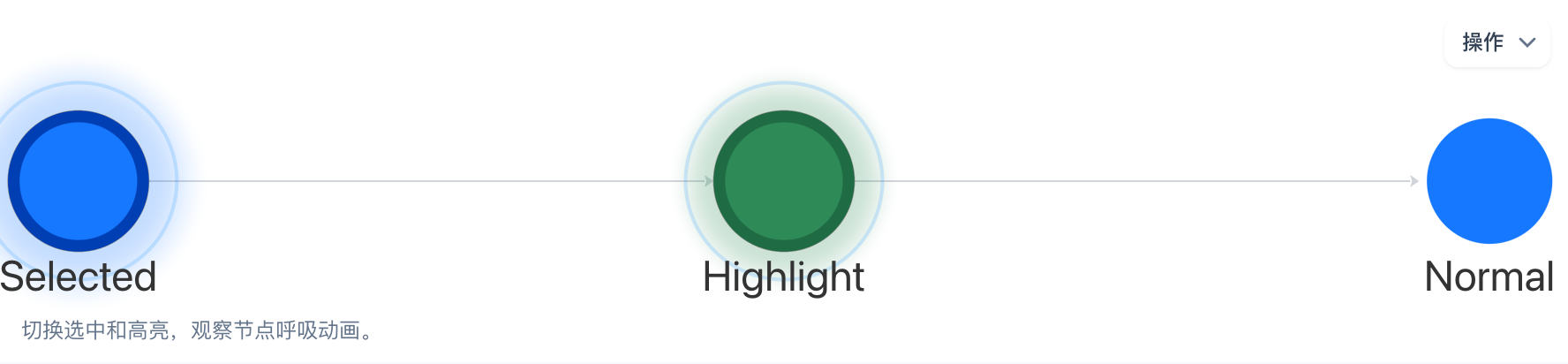 Breathing nodeView exampleShow selected and highlight states with a custom node animation.
 Custom label rendererView exampleShare one custom label renderer between nodes and edges.
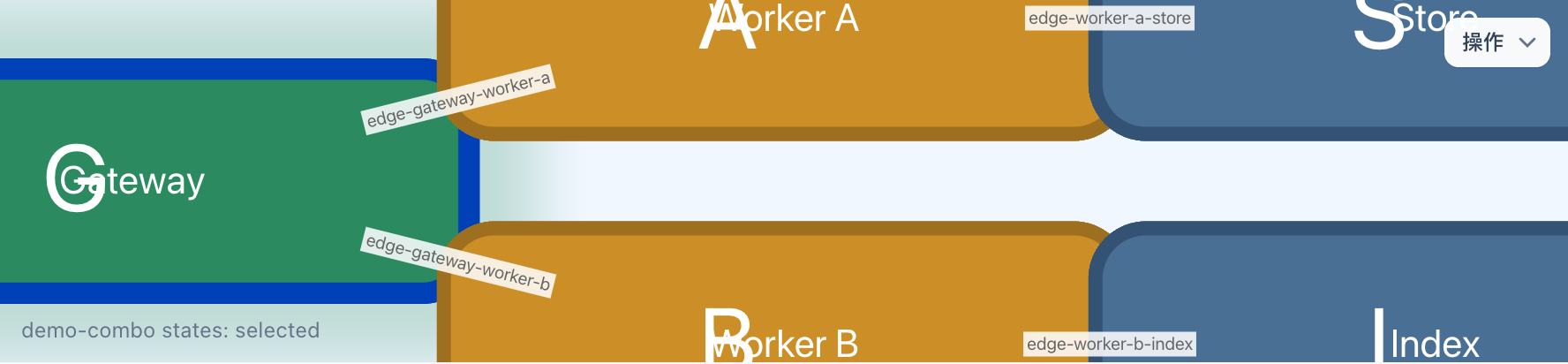 Custom nodes and explicit edge IDsView exampleRegister a custom node and use explicit edge IDs with combo state.
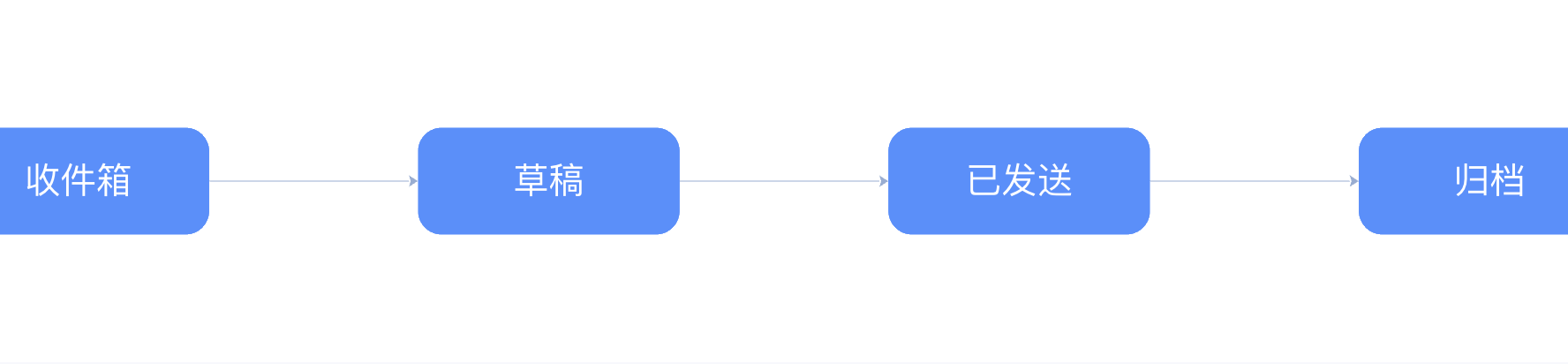 Register a custom behaviorView exampleRegister a behavior that selects a clicked node and clears selection on the canvas.
 Custom layoutView exampleRegister a layout extension that places nodes in two rows.
 Node badgesView exampleStack count, status, and text badges on a node boundary.
08
Scenarios and performance
Validate rendering and interaction with realistic, large relationship networks.
5 Character relationship networkView exampleExplore a force-directed network with character nodes and relationship labels.
 Organization chartView exampleShow reporting relationships with hierarchical layout, rectangle nodes, and tree edges.
 AI Papers large relationship graphView exampleValidate large-graph rendering and interaction with a real paper citation network.
 200 nodesView exampleInspect rendering and interaction on a 200-node graph.
 5,000 labeled nodesView exampleDraw canvas labels on a 5,000-node graph.